
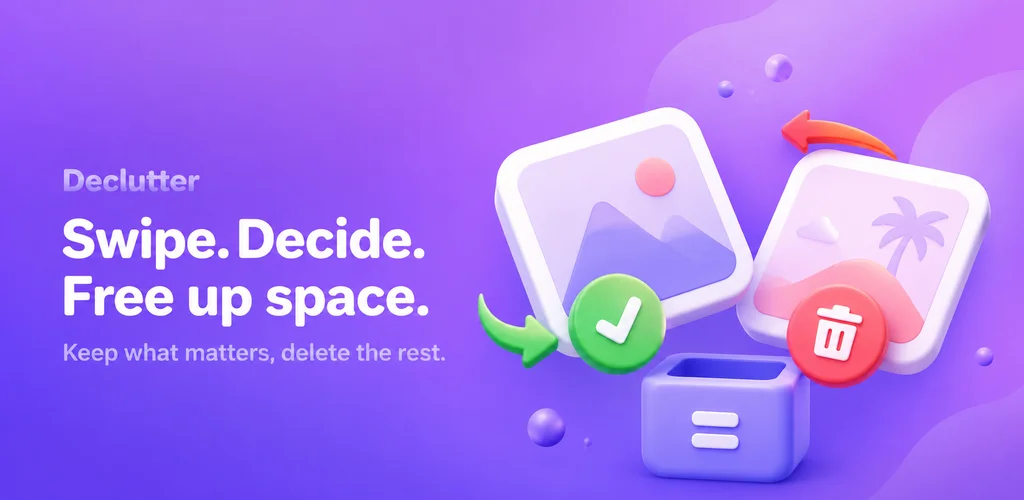
Swipe. Decide.
Free up space.
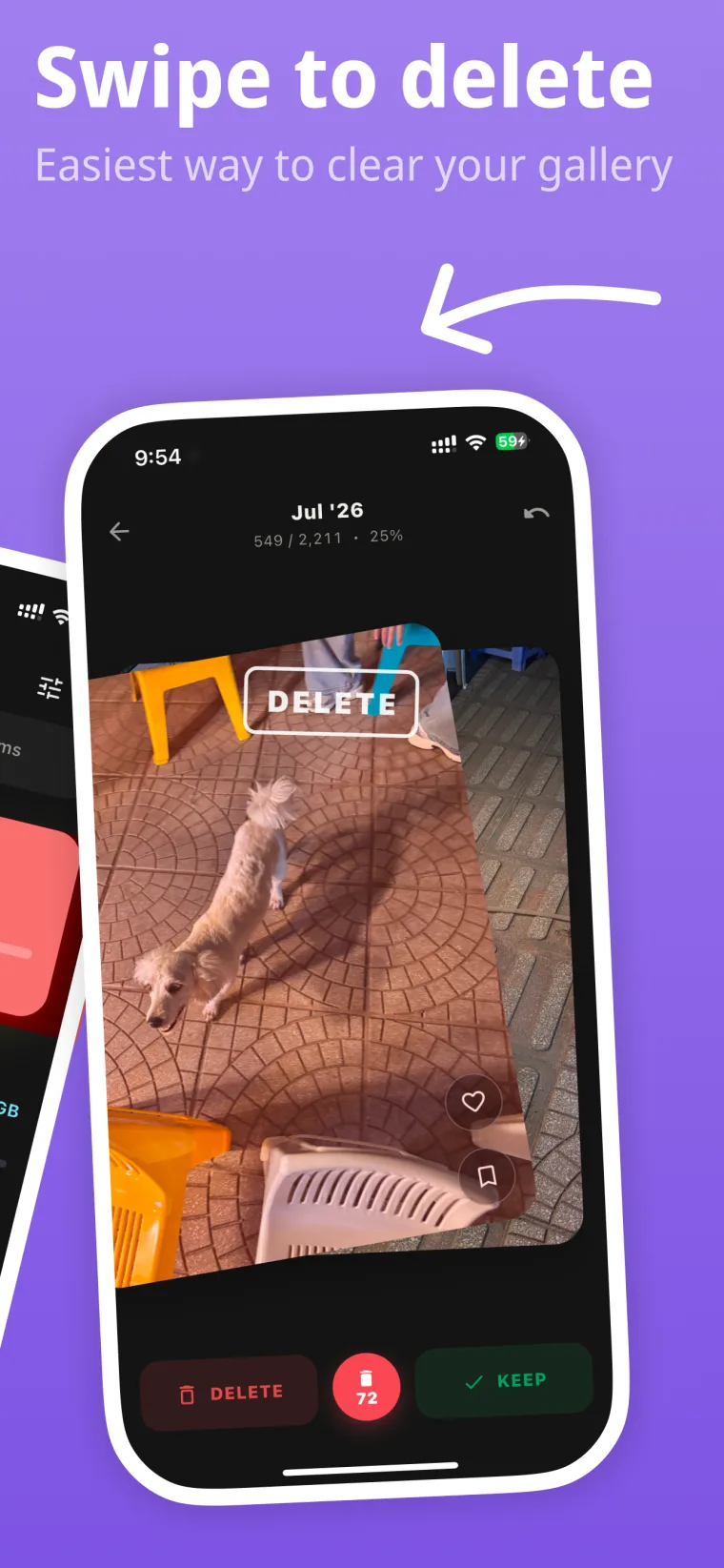
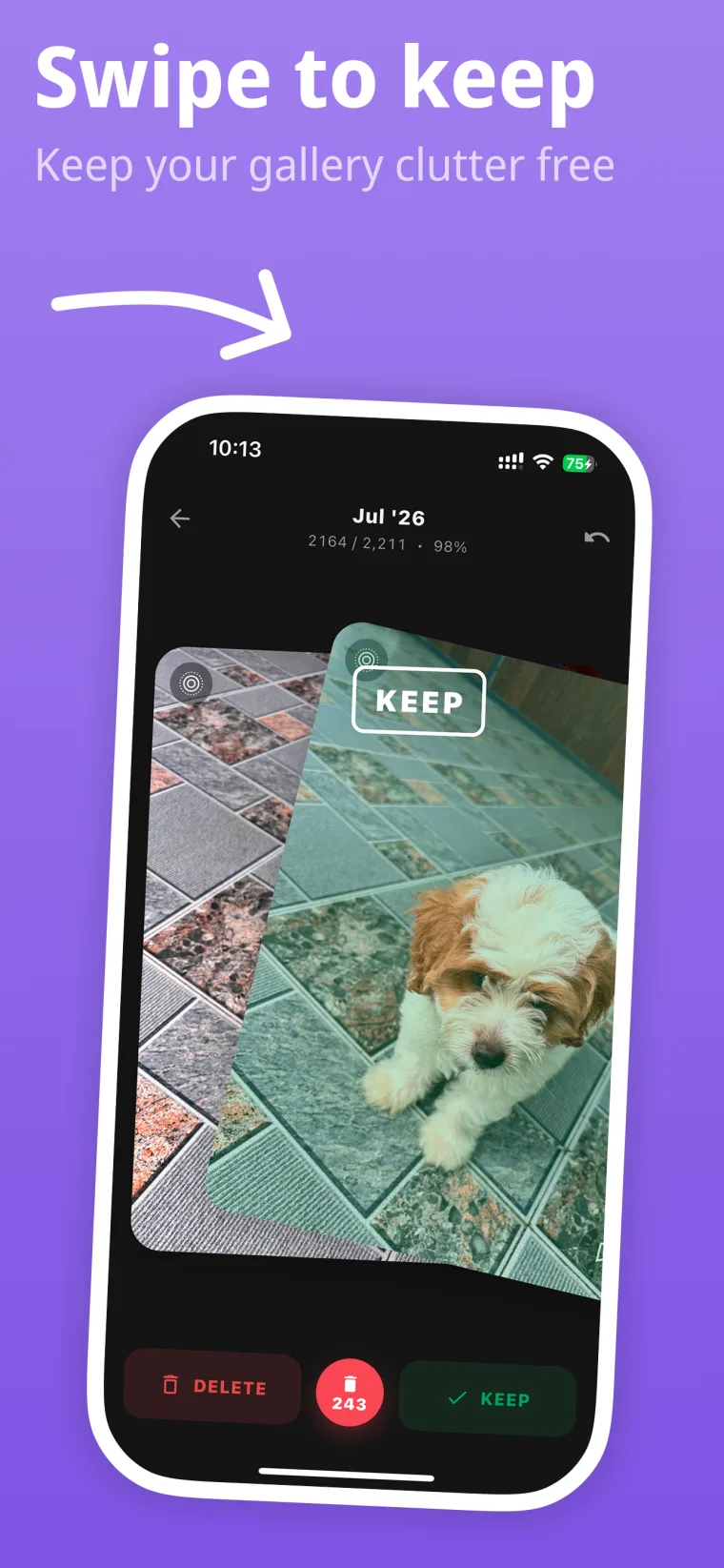
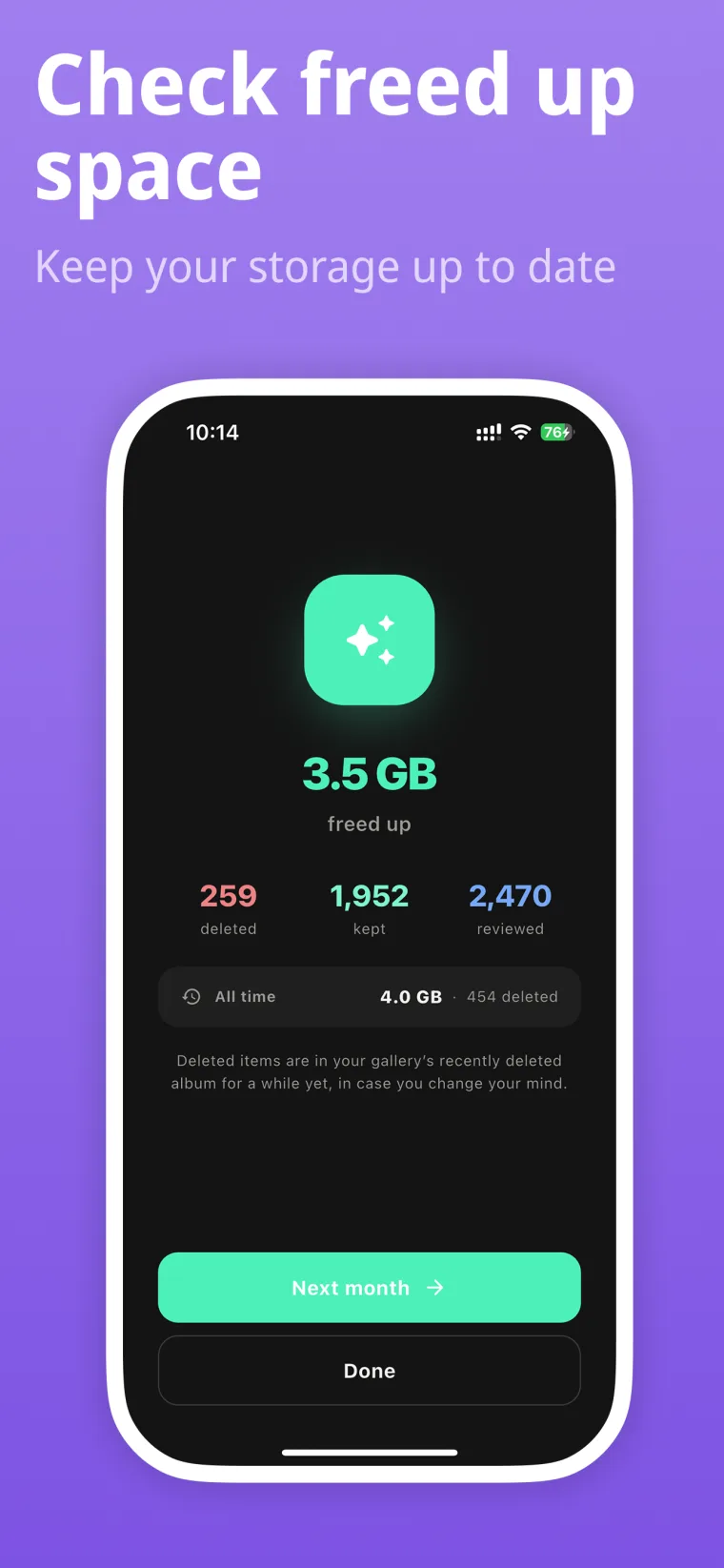
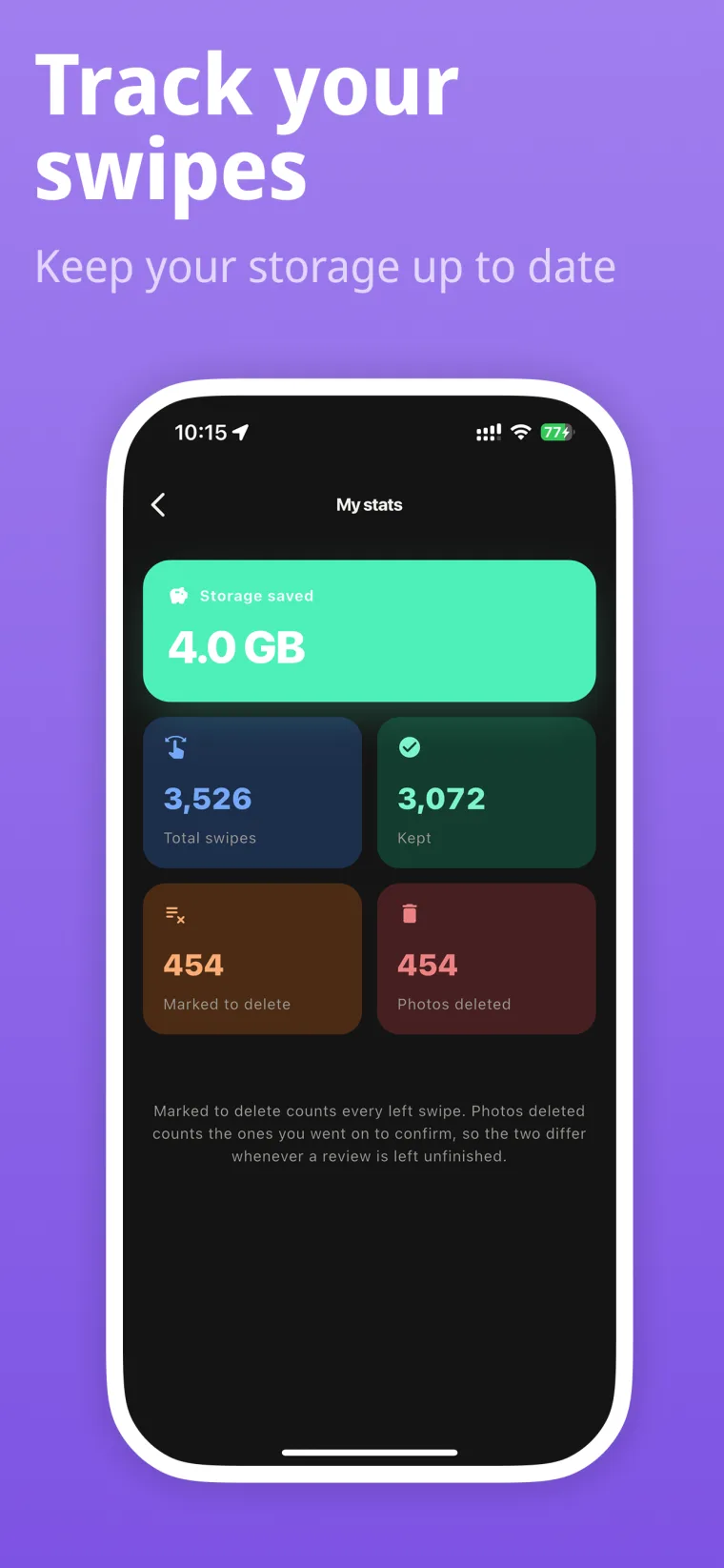
Your camera roll, one photo at a time. Swipe left to delete, right to keep — then see exactly how many gigabytes you got back.


Four swipes in, you will have your first gigabyte back
Nothing to learn and nothing to set up. Open a month, decide on what is in front of you, and confirm at the end.
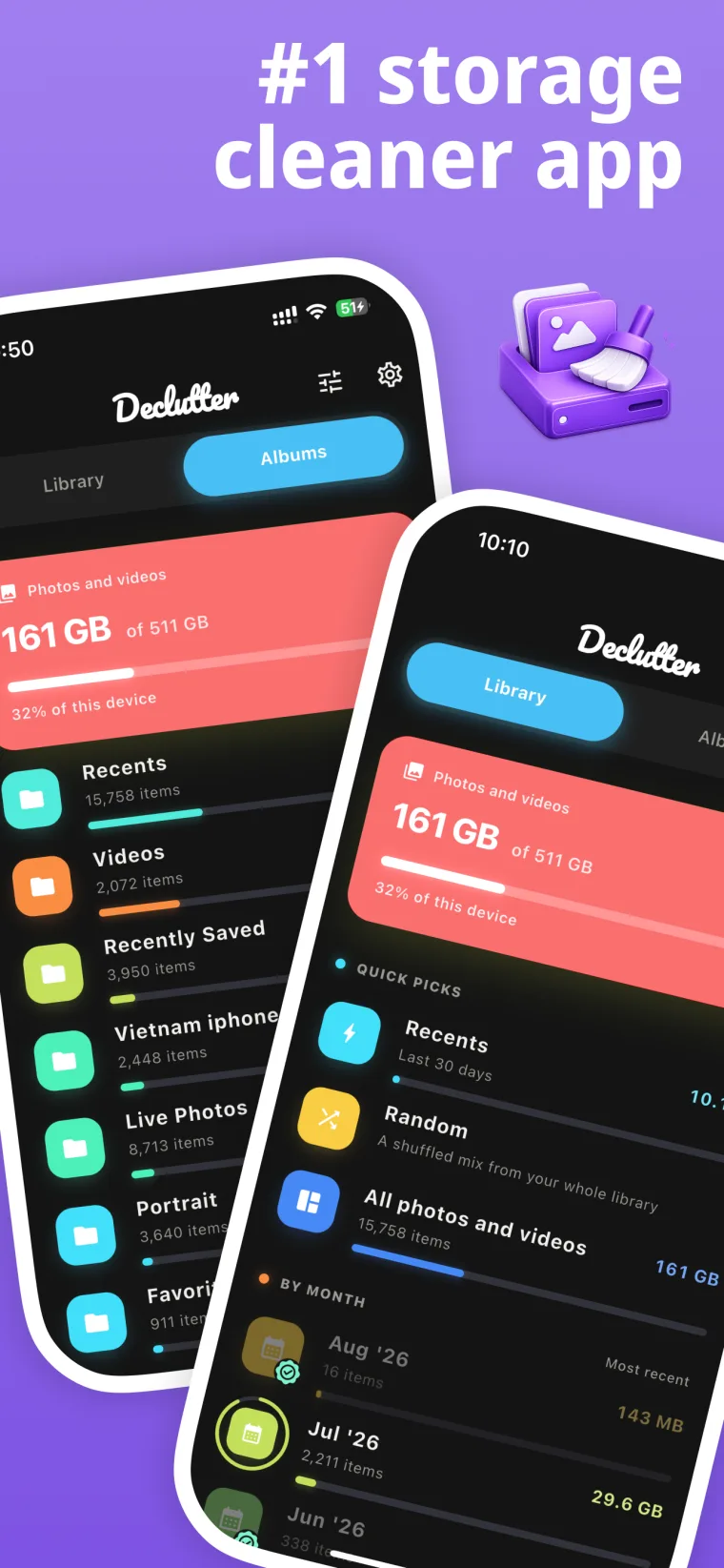
Piles you can finish
Fifteen thousand photos is not a job anybody starts. By month, by album, or a shuffled handful — and each pile remembers where you left off.
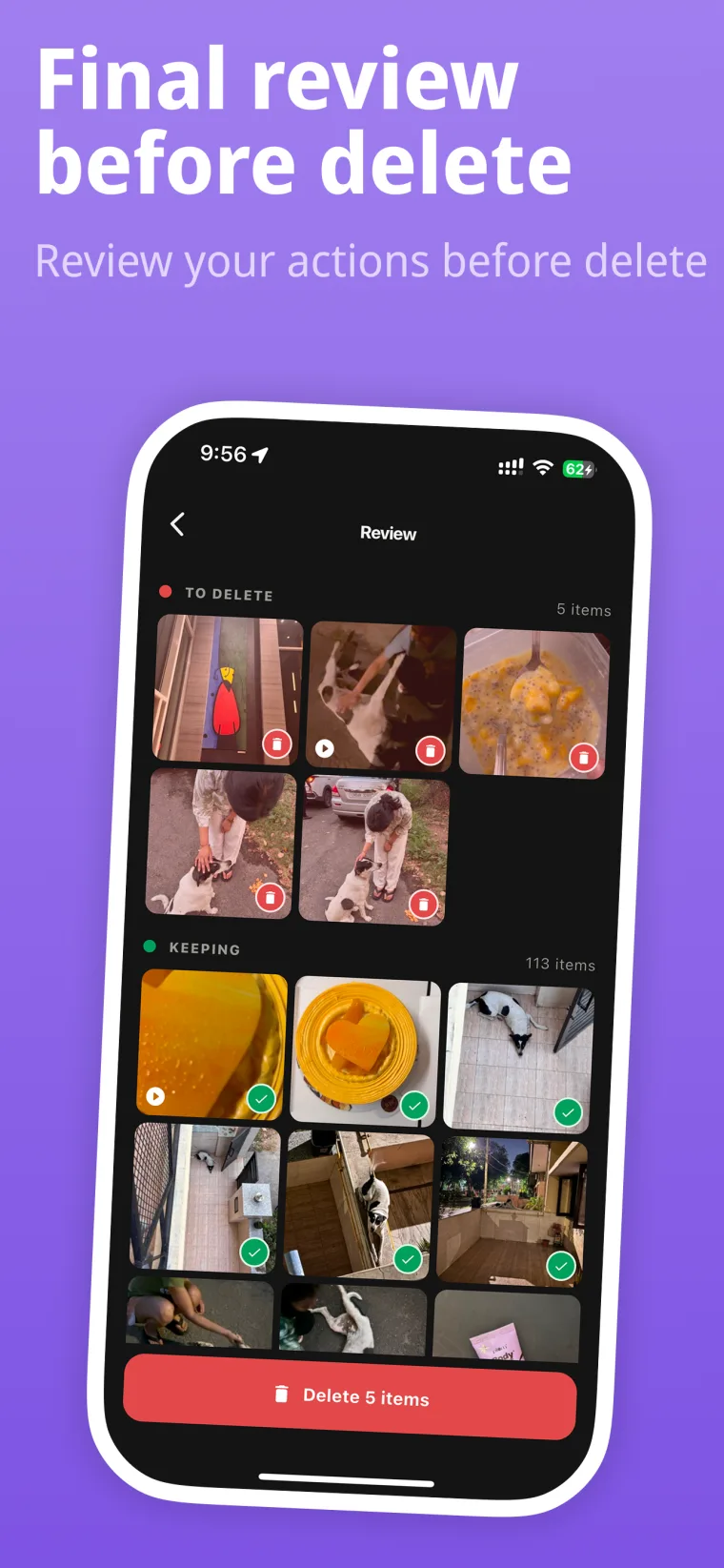
Nothing goes without a last look
A swipe only marks a photo. Everything is shown together before a single file leaves your phone, and undo is always one tap away.
Your photos stay yours
Nothing is uploaded anywhere. Declutter reads your library on the device and deletes through the system, and that is the whole of it.
Start with the last month
It takes a few minutes, and you will see the difference in your storage settings straight away.
Deleted items go to your gallery's recently deleted album, in case you change your mind.